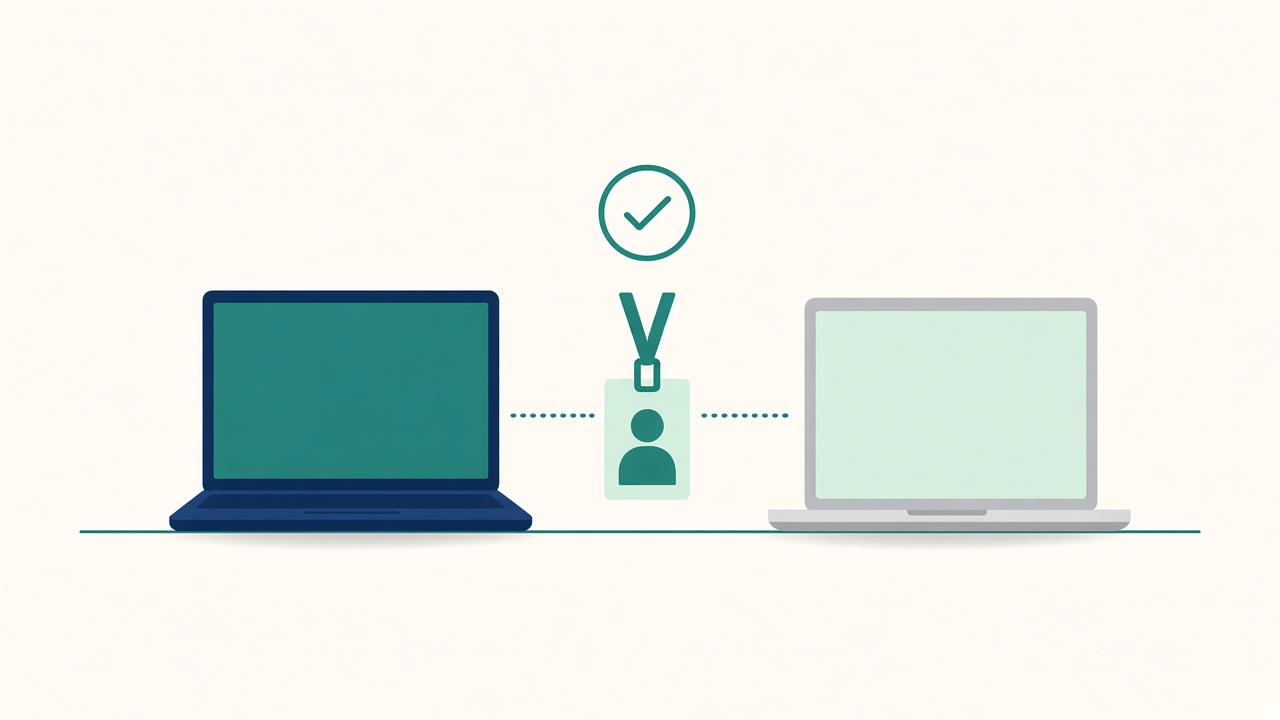
The same request, two answers
It’s Monday, 09:20. Two new starters in the same team open their laptops on day one. One has a Windows machine, one has a Mac. Both were ordered by the same manager, on the same form, for the same role.
By 09:40 the Windows user is in Teams, signed in to the CRM and printing. The Mac user can see email but not the shared drive, the VPN profile hasn’t landed, and the CRM wants a certificate that never arrived.
Nobody did anything wrong. Windows is in Intune. The Mac is in Jamf. The two were built by different people, at different times, with different ideas of what “ready” means. The new starter doesn’t care about any of that. They just know their colleague is working and they aren’t.
Why most estates end up with two
Very few desks choose to run two device platforms. It happens. The Macs arrived with a design team, or an acquisition, or a group of engineers who wouldn’t give them up. Jamf was the obvious tool for Apple at the time, and it’s still very good at it. Intune was already running the Windows fleet and the identity side.
So now there are two consoles, two sets of profiles, two app catalogues and often two small groups of people who each understand one half. That isn’t a failure. It’s just what most mixed estates look like. The trouble starts when the two halves drift apart and nobody owns the gap.
Where the drift shows up
It rarely shows up as a big outage. It shows up as small, repeated tickets that only happen on one platform:
- Onboarding. One platform has a tidy zero-touch flow. The other still needs a desk visit or a “just restart it and wait” call.
- Apps. A tool gets added to the Windows catalogue. The Mac version arrives three weeks later, after somebody raises a ticket.
- Compliance and access. Conditional access lets a device in only if it’s reported as compliant. If the Mac compliance signal is late or wrong, a perfectly healthy laptop gets blocked from email at 08:55.
- Patching. Windows has rings and a schedule. Mac updates are “deferred for 30 days” because that was the setting someone picked two years ago.
- Leavers. Wipe and retire is one click on one side and a checklist on the other, so one platform’s leavers get missed.
The desk feels every one of these first. The analyst on the phone has to know which console to open, which rules apply and which team to hand it to. That’s knowledge living in people’s heads, and it leaves when they do.
One standard, two tools
The fix isn’t always to move everything onto one tool. Sometimes that’s right. Often it’s a long, expensive migration that solves a console problem and creates a user one.
What matters more is having one standard that both tools deliver. Write down what “ready” means for a laptop, without naming the platform:
- signed in with their own identity, with MFA set up
- email, chat and files working
- the apps for their role installed
- VPN or remote access working, if they need it
- encrypted, patched, and reporting as compliant
- recoverable if it’s lost, and wiped cleanly when they leave
Then check each platform against that list. Where Jamf and Intune do it differently, that’s fine. Where one of them doesn’t do it at all, that’s your backlog.
Make identity the shared layer
The two tools can stay separate. Identity shouldn’t be. If both platforms trust the same directory, the same groups and the same conditional access rules, then a joiner, a role change or a leaver happens once and lands on both.
That’s the part worth spending real effort on. Make sure Mac compliance from Jamf actually flows into the access decisions, that it’s timely, and that the desk can see why a device was blocked without opening two consoles. When a Mac user says “it won’t let me into Outlook”, the analyst should be able to answer in one place.
Give the desk one view
The analyst shouldn’t need to know where a device is managed before they can help. At minimum they need:
- one place to look up a user’s devices, whatever the platform
- the same few health checks for both, like last check-in, compliance state, encryption and OS version
- a single runbook per common issue, with a Windows step and a Mac step side by side
- clear ownership, so a Mac-only problem doesn’t bounce between teams
If your Mac knowledge sits with two people, it’s a single point of failure. Pair them with the Windows engineers on a few tickets a week and the gap shrinks fast.
Try this
Pull last month’s tickets and split them by platform. Look for categories that only appear on one side, like “app missing”, “can’t access”, or “new starter not ready”. Those are your drift points.
Then take your day-one checklist and run it on one new Windows laptop and one new Mac, side by side, with a stopwatch. Note where they differ, how long each takes, and how many times someone has to touch the device. The difference is what your Mac users have been living with. Most of it is fixable without changing tools.