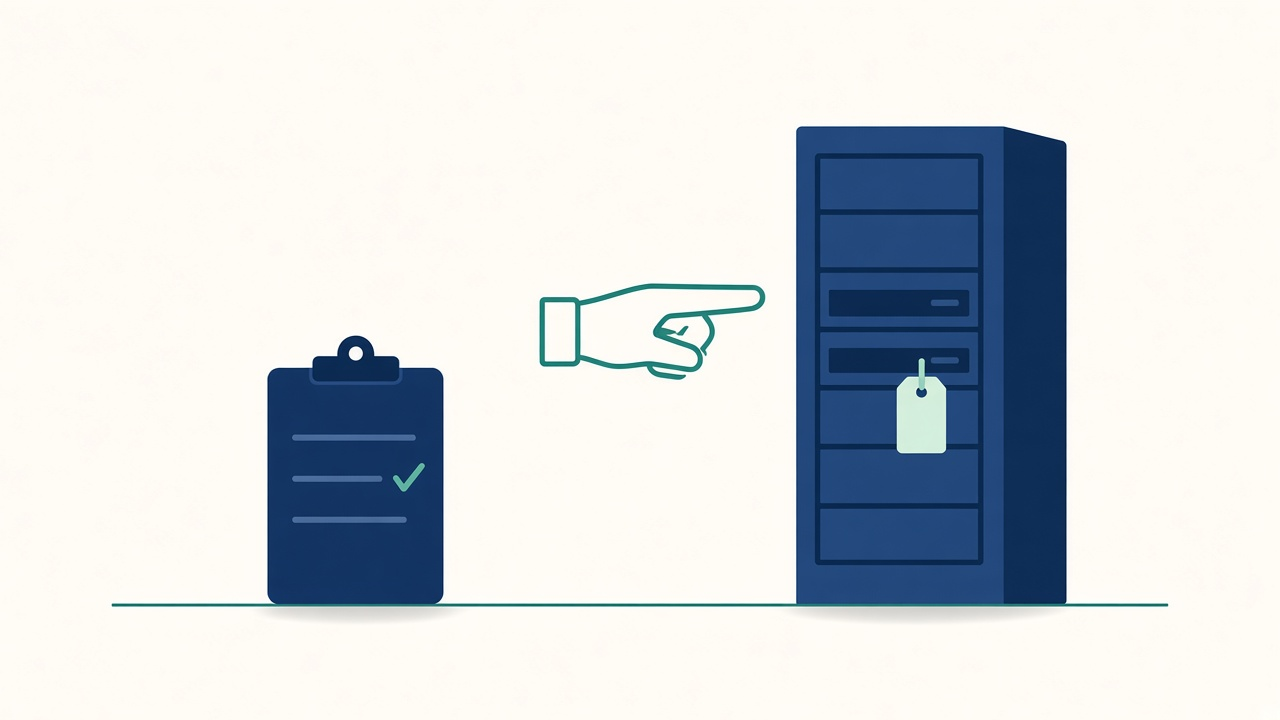
Two units that look the same
It’s Tuesday, 14:05. A network switch in a colocation cage has lost a power supply. The replacement part arrived on site this morning. The smart-hands engineer is in the cage now, phone on speaker, asking the desk a simple question.
“There are two of these in the rack. Which one do you want me to pull?”
The ticket says “replace failed PSU in core switch”. It doesn’t say which rack unit. It doesn’t say which side. The engineer who raised it finished their shift in another region three hours ago. The analyst on the call has a photo from last year and a serial number that may or may not still be right.
The engineer is careful and polite, and paid by the hour. They will do exactly what they’re told. That’s the problem. Whoever is on the phone has to be right, and they’re guessing.
The hands aren’t ours, but the outcome is
Most desks lean on people they don’t employ. Data centre remote hands. Field engineers for printers and meeting rooms. A courier and imaging partner for laptops. A managed network provider. A hardware vendor’s break-fix team who turn up with a part and a four-hour window.
When it works, nobody notices. When it doesn’t, the user never sees the vendor. They see us. The ticket has our name on it, the SLA is ours, and the colleague who can’t print the contract or join the call blames the service desk, not the company in the van.
So the governance question isn’t really “is the vendor any good?” It’s whether we’ve given them enough to do the job right first time, and whether we can see what happened afterwards.
Where vendor tickets go quiet
Every ITSM tool has a status that means “not us right now”. It’s usually called something like Awaiting vendor or Pending third party. On a lot of desks it also pauses the SLA clock.
That status is useful, and it’s also where tickets go to sleep. The clock stops, so the dashboard stays green. The vendor’s reference number sits in one analyst’s inbox, or in a comment three screens down. Nobody owns the chase, because the chase isn’t a task. It’s a hope.
The user’s experience doesn’t pause. They’re still without the laptop or the room or the line. From their side, our clock stopping just means nobody’s watching.
A few things make that status safer:
- The vendor reference lives in a field, not a comment. If someone in another region can’t find it in ten seconds, it doesn’t exist.
- Every vendor ticket has a next date. Not “chase vendor”. “Vendor promised an engineer by Thursday 12:00. Check at 12:30.”
- Someone on the desk owns the chase. A named person or a queue with a rota, not “whoever picks it up”.
- Paused time gets reported, not hidden. Show leadership how long tickets sat with vendors, next to the SLA they did hit.
Instructions written for a stranger
Smart hands are good at doing exactly what you ask. They aren’t on your team calls, they don’t know your naming conventions and they’ve never seen your estate before today. A request that makes sense to the engineer who wrote it can be useless to the person standing in front of the rack.
The fix is boring. Write the work order as if the reader has never met you.
Which site, which cage, which rack, which unit, front or back. The label that should be on the device, and what to do if the label doesn’t match. A photo of the target if you have one. What “done” looks like, such as a green light, a port that comes up or a test print. Who to call if something doesn’t look right, and a number that will actually be answered at that hour.
Then ask for proof when they’re done. A photo of the finished work and the serial of the part that came out. If you run follow-the-sun, that evidence is what lets the next region close the ticket without ringing the person who raised it.
Access that outlives the visit
This is the part that tends to turn up in audits.
Vendors need access to do the work. A badge for the building, a login for the management console, a remote support session or an account on the device. The visit takes an afternoon. The access often stays for years.
Shared vendor logins nobody has rotated. A remote support tool left installed “for next time”. A contractor account with no end date, because the contract renewed and nobody told identity. A field engineer still on the site access list two suppliers later.
None of that is malicious. It’s what happens when vendor access is set up as a favour to get the job done, and never as a joiner with a leaver attached. The same question auditors ask about staff applies here. For one named vendor engineer, can we show who approved their access, what it covered, and when it stopped?
If the honest answer is “it didn’t”, that’s a finding. It’s better if the desk finds it first.
What good looks like from the desk
It isn’t a vendor management framework. Most of it fits on one page per supplier, kept where the desk can find it at 02:00:
- what they do for us, and what they don’t
- how to raise work with them, and the hours they actually answer
- what a complete work order needs to include
- what proof we expect back
- what access they hold, who approved it, and when it’s next reviewed
- who to escalate to when they miss a window
That page does more for the user waiting on a laptop than any contract clause, because the analyst can use it while the ticket is still open.
Try this
Pull every ticket from last month that spent time in a vendor or third-party status. For each one, check three things. Can you find the vendor’s reference in under ten seconds? Was there a next date, and did anyone act on it? Is there proof the work was done, or just a closed status?
Then pick your busiest supplier and list the accounts, badges and remote tools they currently hold. Put a name and a review date next to each one. Anything nobody can explain is your first conversation with that vendor, and it’s a much easier one to have before an auditor asks.